Restaurant Technology Beyond QR Codes: What to Fix After the Menu
The QR code was only the front door. Where restaurant technology pays off next: kitchen flow, order data, staff time, and what to check before you buy.
The Code on the Table Is the Easy Part
Most restaurants have now had some contact with a QR code, and many came away unimpressed. That is understandable. For years the code led to a PDF, and we have written before about why that version failed and what replaced it.
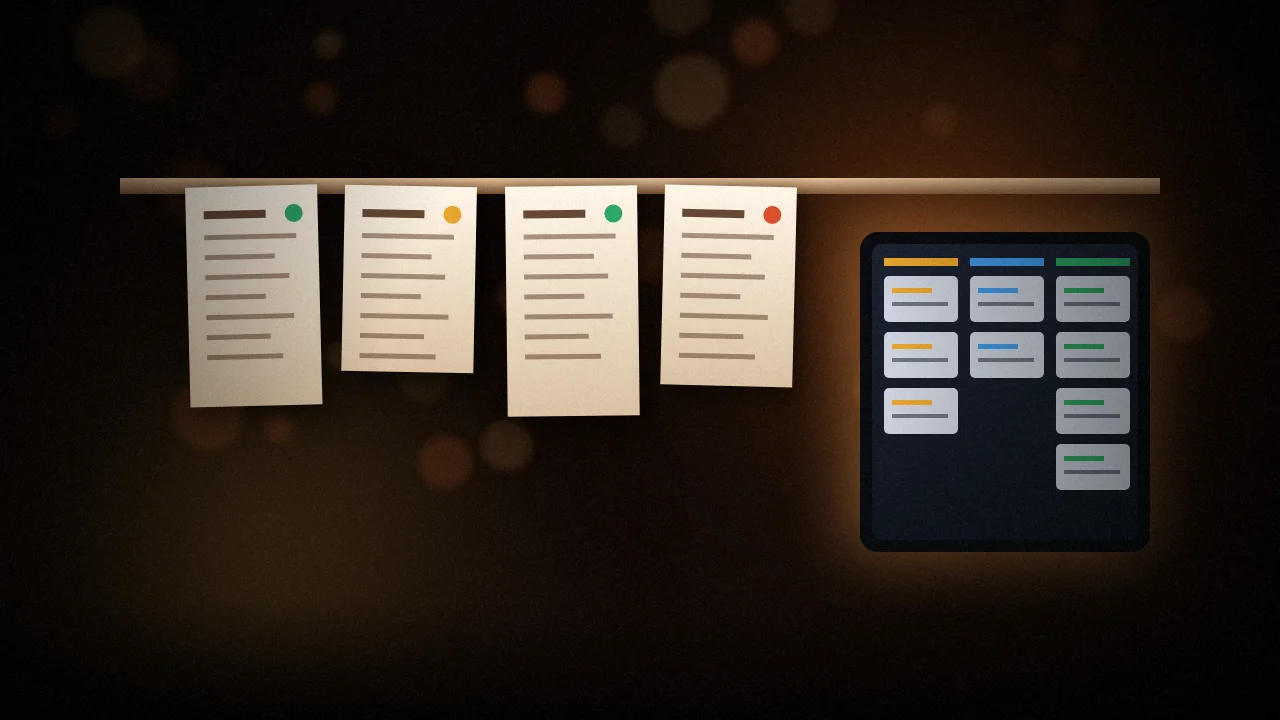
But the argument about QR menus misses the larger point. The code is only a doorway. What matters is what happens behind it: whether an order reaches the kitchen cleanly, whether the owner can see what is selling, and whether staff get time back or simply gain another screen to watch.
Plenty of restaurants solved the visible problem and left the real ones untouched. This article is about those.
Operators Are Asking Harder Questions
The mood among buyers has changed. Coverage of this year’s National Restaurant Association Show described operators as more disciplined: they want to know how fast a system goes live, whether it works with what they already run, whether staff will use it, and whether it pays. The same piece describes a familiar kind of fatigue, with overlapping vendors, duplicate data entry, and managers who spend as much time navigating software as running the floor.
Survey data points the same way, at least among chains. Qu’s benchmark report, covering 168 fast-casual and quick-service brands and some 94,000 locations, found that 48% planned to raise technology spending in 2026. Improving order flow across all channels was the top priority for 62%. Asked what stood in the way of a better guest experience, 55% named operational execution and 37% pointed to fragmented systems and data.
An independent restaurant is not a chain, and that report comes from a vendor. Still, the finding travels well: the barrier is less often a missing gadget than the gap between the tools already in place.
Four Layers Behind the Code
The Kitchen
Follow a single order through your restaurant and time it. In many places the weakest moment is not the guest’s first scan but the handoff: a server walks to a terminal, a ticket prints, somebody calls it out, and the only record of progress is in someone’s head.
A live kitchen screen changes that in an unglamorous way. Orders arrive once, in full, and each one has a visible status, so “Where’s table twelve?” can be answered without a trip to the pass. In a busy service, that means fewer interruptions for the kitchen and better information for the floor.
Your Own Data
A paper-based restaurant runs on memory and instinct, and instinct is often good. It is also blind in specific ways. It will not reliably tell you which dish is popular but unprofitable, or whether your Tuesday lunch is worth staffing, or whether a new dessert is selling or merely being admired.
Once orders pass through a digital system, four questions become easy to answer every week:
- What actually sells, by daypart? Use it to shorten the menu and reduce prep waste.
- What is the average order value, and is it moving? This is the simplest test of whether a menu change worked.
- When are the true peaks? Rosters can then follow demand rather than habit.
- What gets cancelled or sent back? That usually points to a specific dish, station, or description.
This is where AI begins to earn its place. Pattern-spotting across thousands of tickets, demand forecasts from sales history, and plain-language answers to “what changed last month?” are all reasonable uses, but only once the underlying records are clean. If your data sits in three systems that disagree, tidying them comes first.
Staff Time
Hospitality has long been short of hands, and any technology that adds a task will be quietly ignored. The sensible test is direct: after this goes live, what does a server or cook stop doing?
Good answers include walking to a terminal, repeating orders aloud, answering “what’s in this?” for the fortieth time, or waiting at a table with a card reader. Each of those is time that can go back to the guest. As Restaurant Technology News put it, “automation works best when it removes repetitive, low-value tasks.”
Content and Languages
Menus change constantly, and every change used to mean reprinting, redesigning, or retranslating. AI has made this much cheaper, for imagery as well as text. Our piece on the translation tax goes through what that means for businesses in tourist areas, including the one part that should never be left to a model: allergen information. The same rule holds here. A changed recipe must update the allergen record first, and a person must sign it off.
Consolidate or Connect
Once you start adding layers, you meet the central decision in restaurant technology: one platform that does most things, or several specialists joined by integrations?
Specialists can be better at their one job, but every join is something that can break, and someone has to maintain it. An all-in-one platform is simpler to run, but you accept its priorities and its gaps. For an independent with a single site, simpler usually wins, provided you can get your data out. A group with an established POS will care far more about whether a new system talks to it.
Take Disho as an example of the single-platform approach for smaller venues. Its video menu is the visible part, but it also covers per-table QR codes, live kitchen order statuses from new through to served, analytics, staff roles, twelve menu languages, and optional table payment. It is also a useful illustration of the trade-off: at the time of writing POS integration is still on its roadmap, so a restaurant with a POS it cannot give up would be running two systems side by side, and should weigh that honestly. Pricing is listed at 40 euros a month after a free trial, though it is worth checking the current terms.
Six Questions Before You Add Anything
Ask these about any restaurant system, including the ones you already pay for:
- Which specific problem does it remove? Name the problem and how you will measure it.
- Does it replace a tool or add one? Count your logins before and after.
- Does it work with your POS and payment setup? Ask to see it, not to hear about it.
- What happens when the internet goes down in the middle of service? Get a concrete answer.
- How long does staff training take? If it exceeds one shift for a floor team, be cautious.
- Can you export your menu, orders, and customer data? If you cannot leave, you do not fully own your business’s records.
Then test it the way you would test a new dish: on a small scale, on a real service, with the team’s honest feedback. A section of the room for two weeks tells you more than any sales presentation.
Start With the Worst Hour
You do not need a technology strategy so much as an accurate picture of your worst hour. Stand at the pass on a full Friday night and watch where things go wrong. Maybe it is orders arriving in bursts. Maybe it is servers walking back and forth for answers, or a menu nobody at table six can read.
Fix that one thing, measure it, and then look for the next. The QR code was never the destination. It simply gave restaurants a reason to start connecting the guest’s phone to the kitchen, and most of the value is in what you do with that connection.